All-in-one Mac cleaner, optimizer, and security tool
MacKeeper is a security and privacy program that enables you to easily maintain and protect your Mac device’s health. An all-in-one solution for Apple computers, this software legitimately helps keep your Mac safe and clean from malware, storage overcapacity, and performance degradation. It’s approved by Apple and is also AppEsteem Certified.
Top Recommended Alternative

Why should I use MacKeeper?
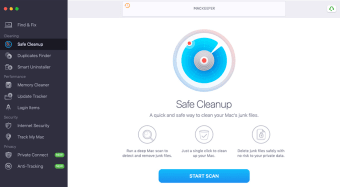
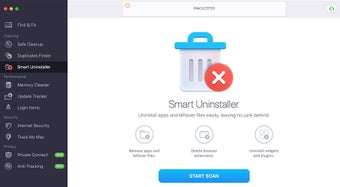
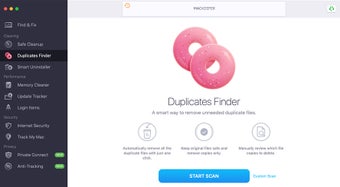
MacKeeper is a suite of tools that collectively act as a system optimizer—able to find, fix, and prevent possible Mac issues before they occur. This software has four key features containing various handy tools: Cleaning, Performance, Security, and Privacy. With these, it can clean up your storage, deleting duplicate files and even applications that you no longer use. It can also do RAM optimization to improve your device’s performance, and malware and virus removal.
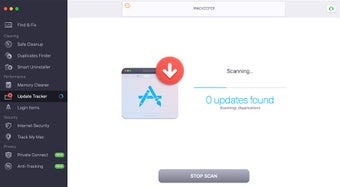
Under the Cleaning tab, you can safely remove junk files—which includes duplicates and unused apps—and free precious storage space. This feature is quick and easy to use and doesn’t affect any private data of yours. The Performance tab, on the other hand, offers various tune-up tools. It can free up extra RAM, easily disable any programs to optimize your startup speed, and periodically keep software up-to-date.
Another tab is Security, which offers the antivirus feature and its advanced virus detection. There’s also an adware cleaner that can find and remove malicious unwanted programs that have snuck into your device. Meanwhile, the Privacy tab has a fast integrated VPN that offers dozens of locations—allowing you to browse anonymously online and encrypt your data at the same time. Additionally, you can use an ad blocker, a tracker blocker, and an identity theft feature that scans your email for any exposure to data breaches.
Is MacKeeper worth it?
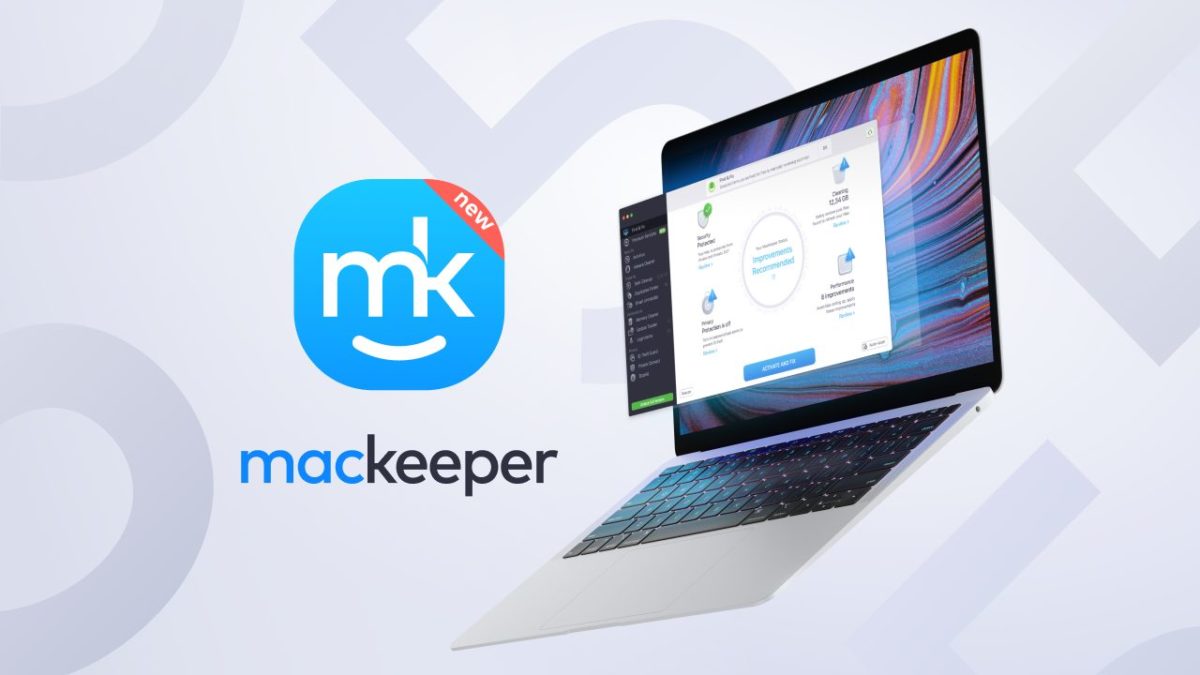
Not only is MacKeeper chock full of useful tools, but it’s also quite user-friendly. Its interface is straightforward with its controls, usually requiring only a single click for scanning and such. At the start, the Find & Fix section’s overview will be displayed to you, enabling you to quickly check up on what the software has found regarding the four main tabs. Similar to other security programs, this one also shows you a percentage of how healthy and secure your device is.
You can download this software for free and test it out by scanning for any issues. However, to actually fix any problems found and use the more advanced features, you’ll have to purchase a license for it. There are three subscription plans available: a 1-month plan and a 12-month plan that both only cover 1 Mac device, and a 12-month plan that can cover up to 3 Macs—although it only has a 14-day money-back guarantee for all.
A handy package
All in all, MacKeeper is a versatile suite of system tools that are really geared towards Mac devices and the common issues these can face. It covers a wide range of clean-up tools to maintain your device’s good health and optimal performance, as well as various security features that you can appreciate. Coupled with its intuitive interface design, this is a nice software to try out.